Managing email accounts
When working with devices: Choose the Accounts tab in the right panel to view a list of all current email accounts assigned to the device. An admin can review existing email accounts, add new accounts, or copy account configurations from the library. See Configure email accounts on managed devices.
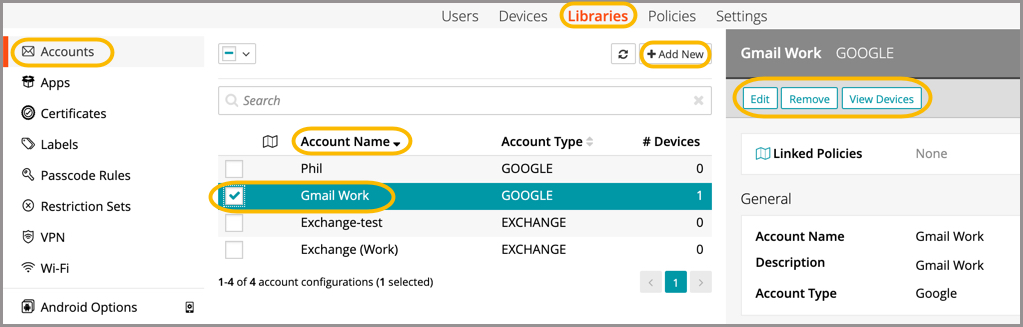
When working in the Accounts Library (shown below): An admin can view email account details; remove one or more accounts from the library; view all devices with a specific email account assigned, as well as add a new email account to the library. See Manage email configurations in the Library
|
|
NOTE: Android devices require the Gmail app to be installed in order to use the email account configurations. |